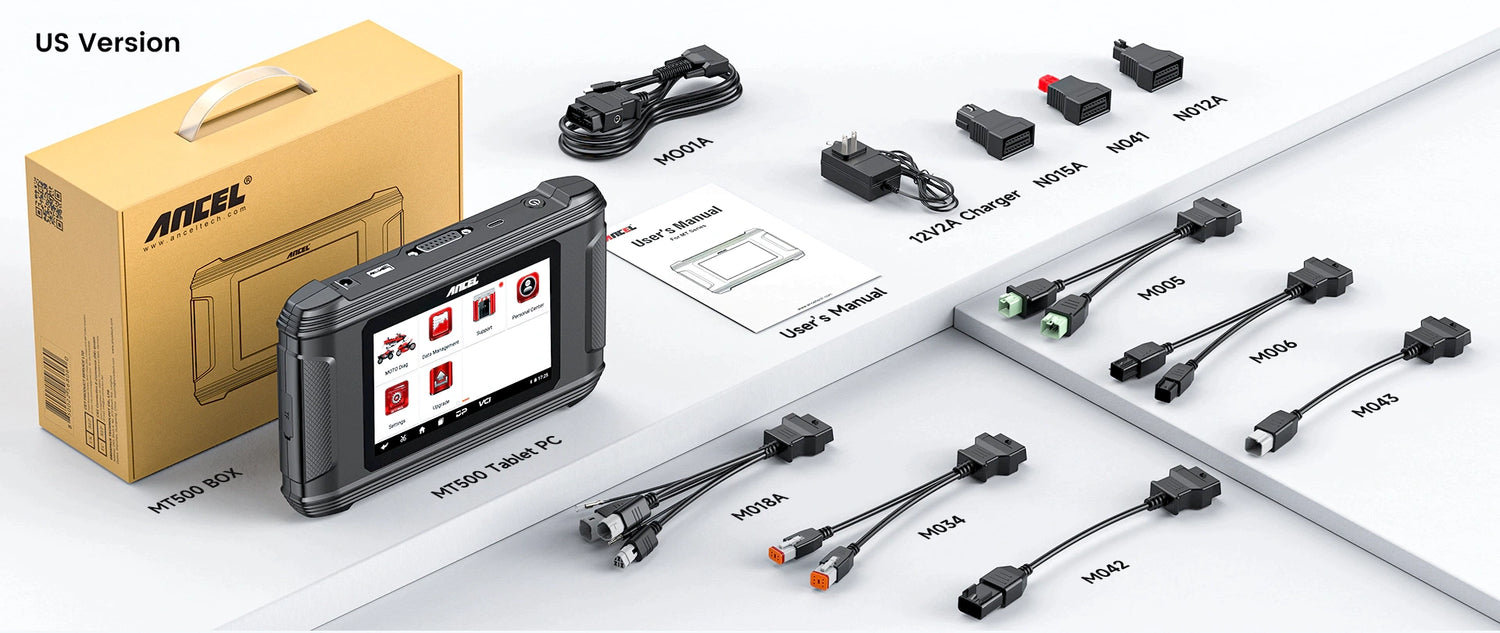
Q1: What diagnostic and maintenance functions does the MT500 offer besides reading fault codes?
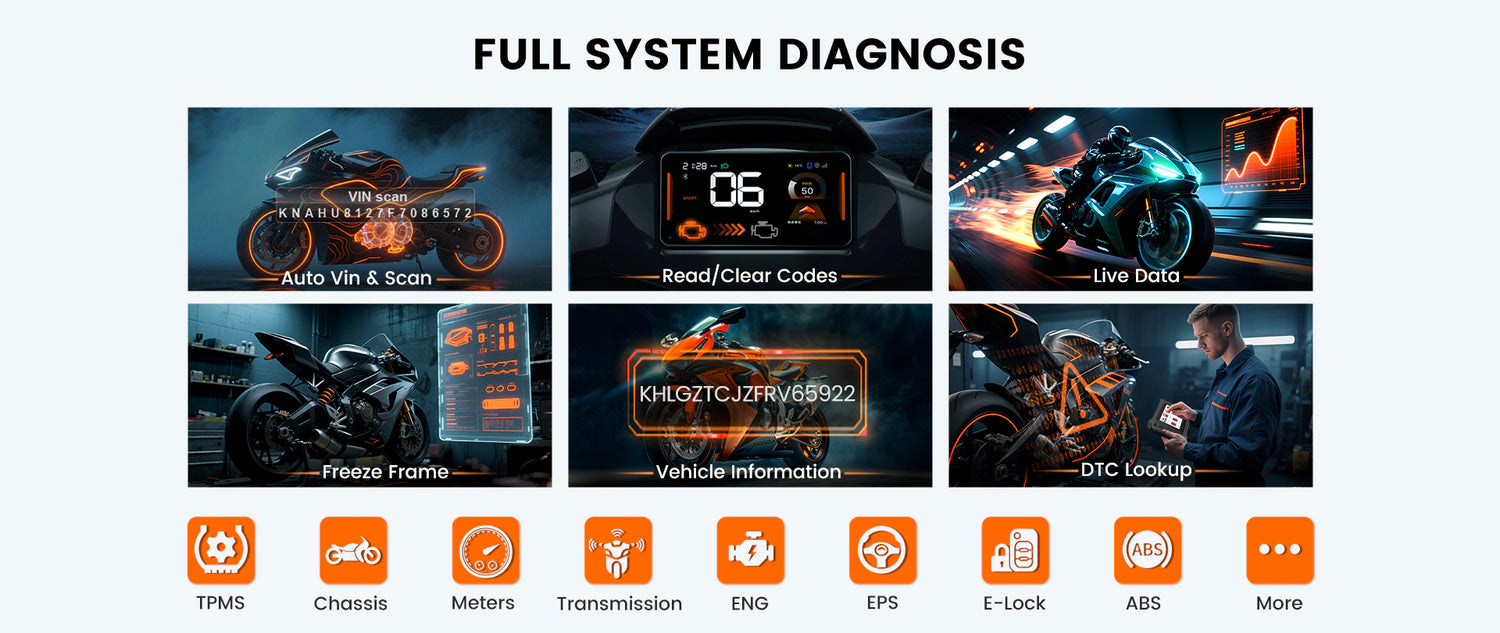
The ANCEL MT500 is a professional motorcycle diagnostic scan tool designed for full-system diagnostics, going beyond simply reading and clearing engine fault codes.
It supports:
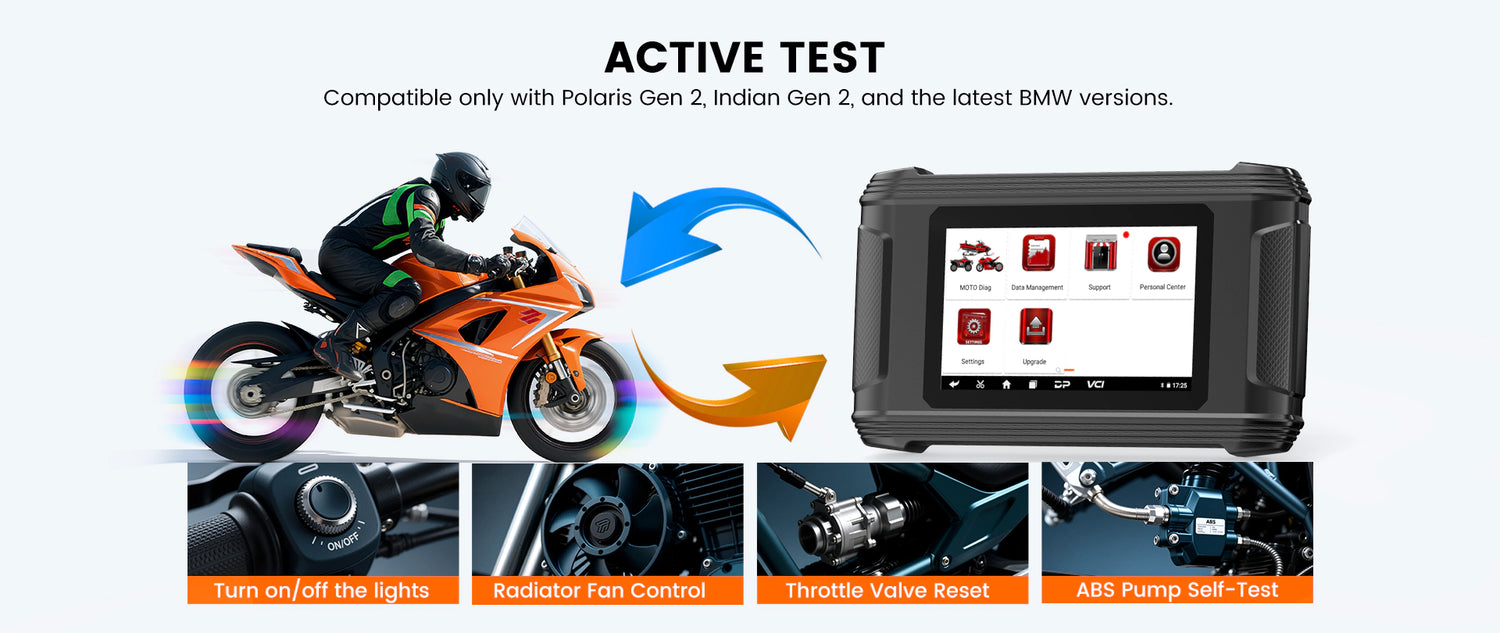
• Full-system diagnostics to read and clear fault codes from supported control systems and view live data;
• Maintenance and reset functions, including ECU Reset, OIL Reset, TPS Reset, and throttle relearn functions on supported models;
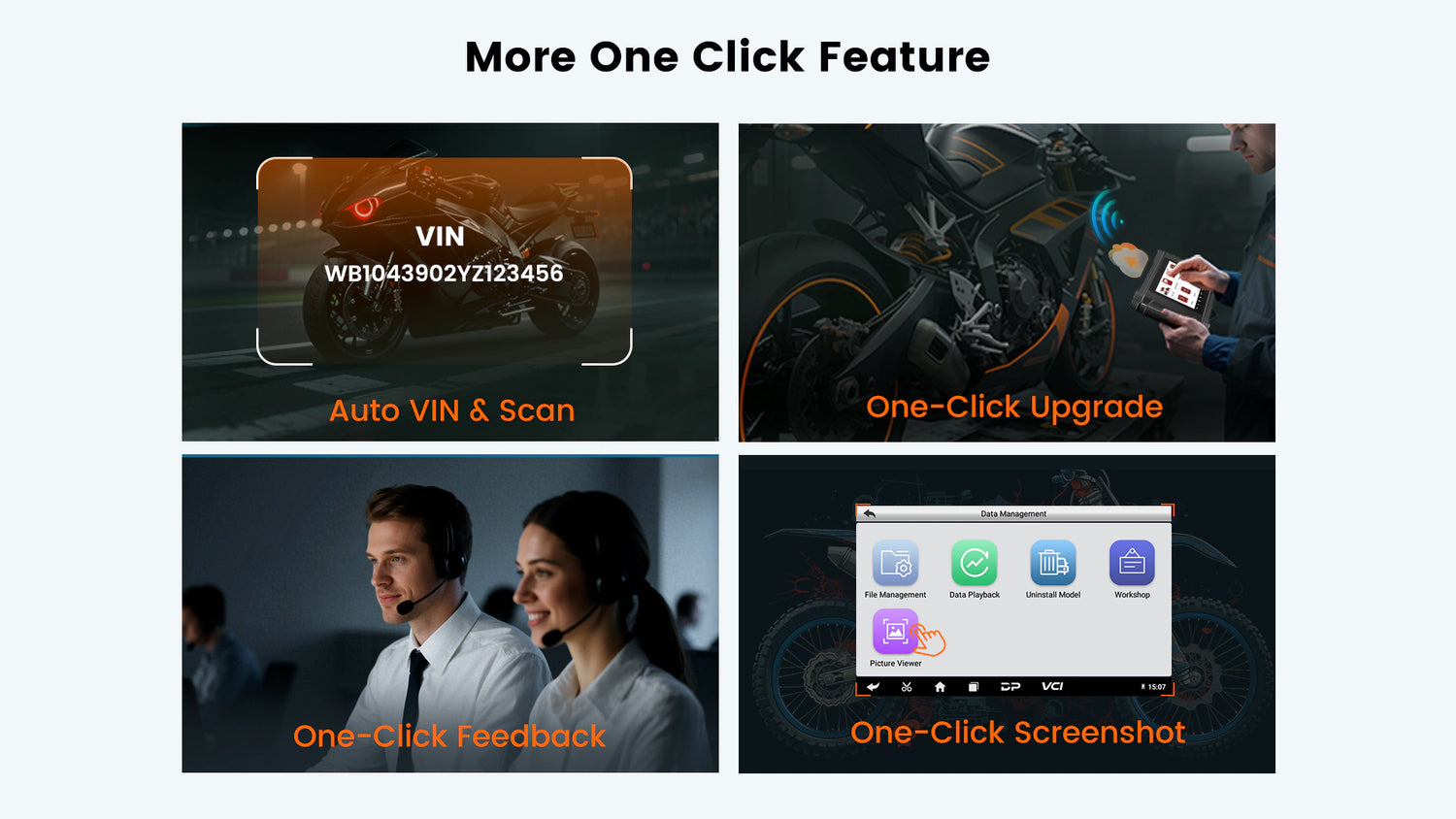
• Auto VIN Scan to quickly identify vehicle information and reduce manual input steps;
• One-click Screenshot to save diagnostic results or compare vehicle conditions before and after repairs.
Note: Available functions may vary depending on the motorcycle brand, model, and year.
Q2: Which motorcycle brands does the MT500 support?
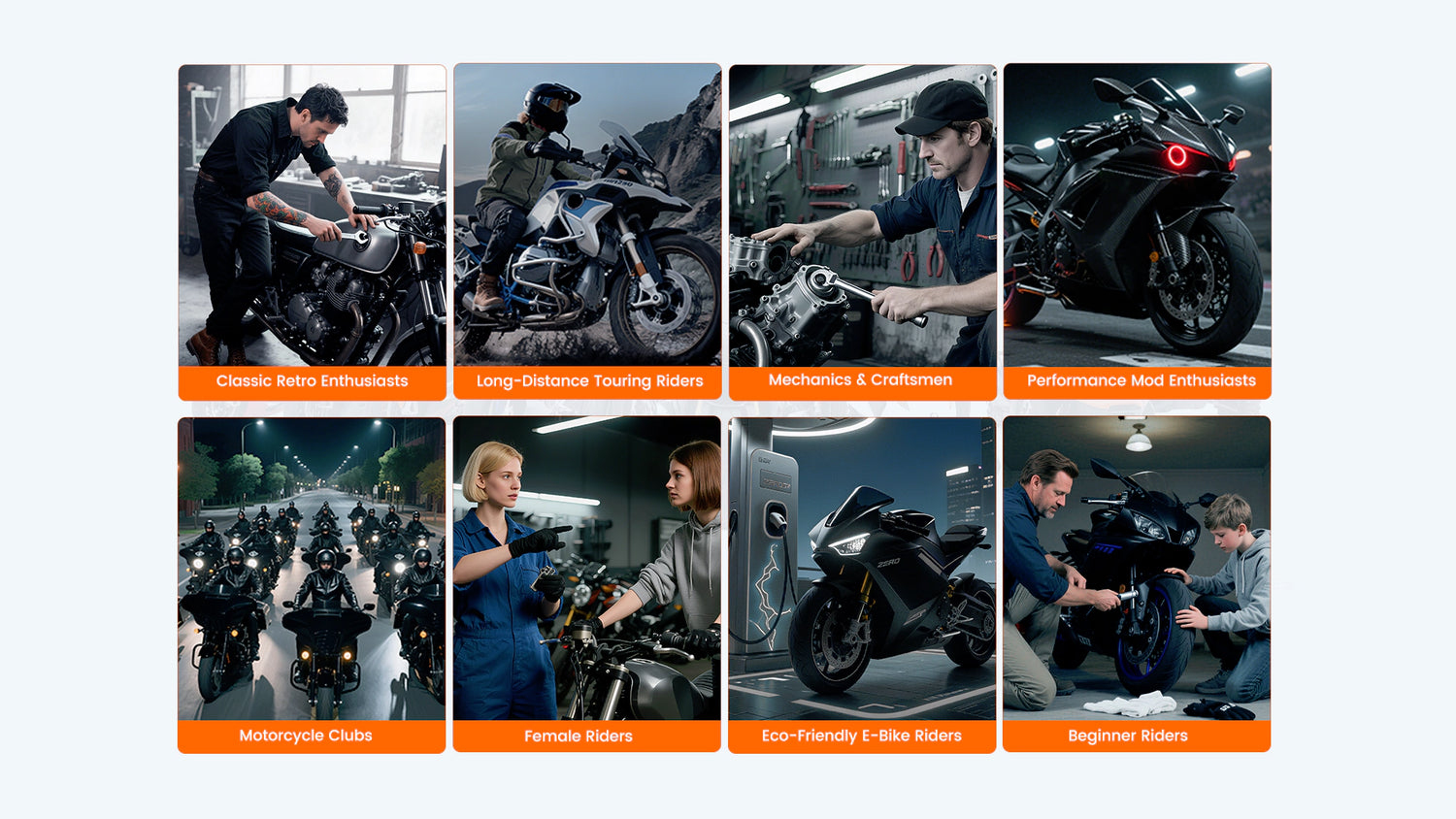
The ANCEL MT500 is a multi-brand motorcycle diagnostic tool designed for full-system diagnostics across a wide range of street motorcycles, cruisers, adventure motorcycles, and sport motorcycles.
The main difference between the US and EU versions is the supported vehicle database, while the diagnostic functions remain the same.
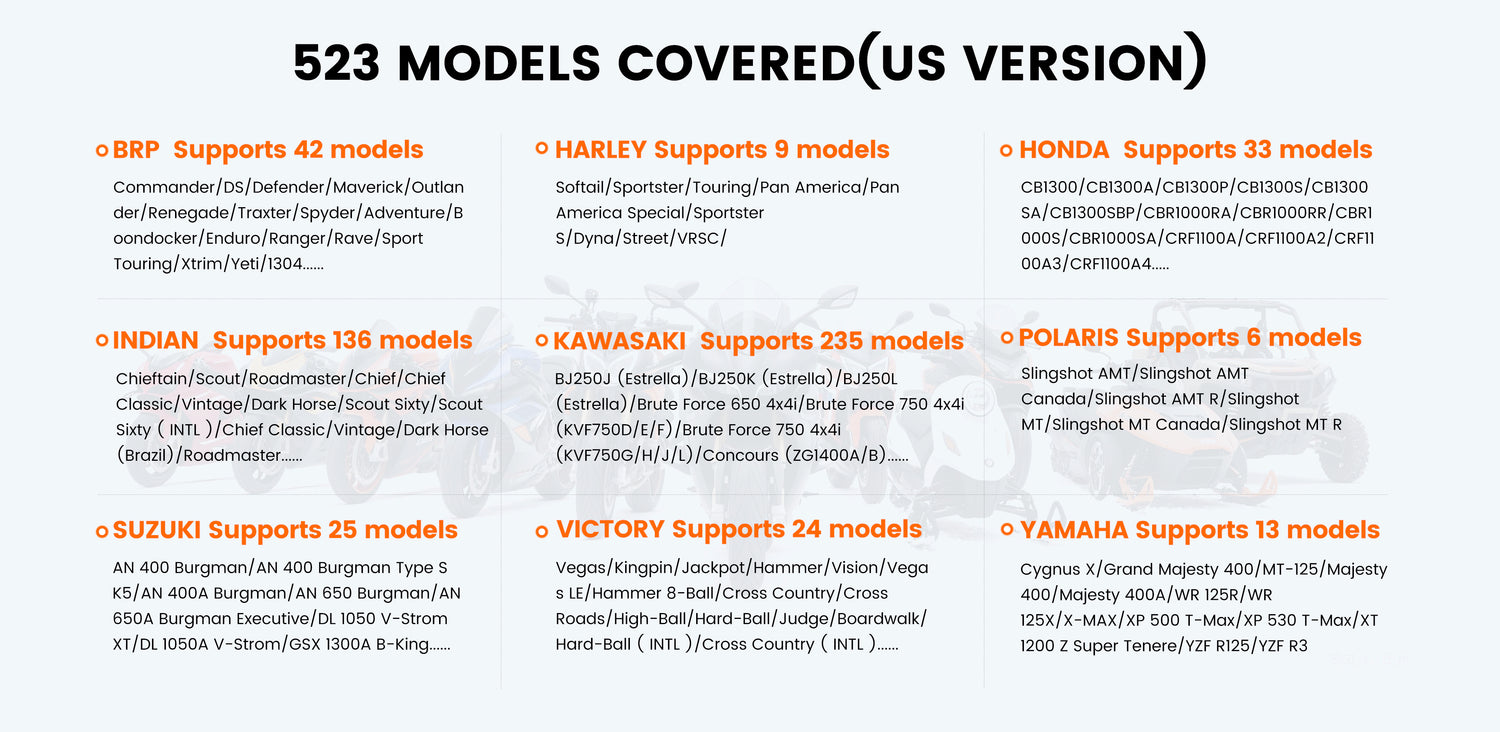
US Version supports:
BRP, Harley-Davidson, Honda, Indian, Kawasaki, Polaris, Suzuki, Victory, and Yamaha.
EU Version supports:
BMW, Ducati, Honda, Kawasaki, KTM, Suzuki, Triumph, and Yamaha.
For brands supported by both versions (such as Honda, Yamaha, Suzuki, and Kawasaki), the US and EU versions provide the same diagnostic capabilities. The difference mainly lies in the supported vehicle coverage.
The MT500 supports up to:
EU Version: 796 supported models
US Version: 523 supported models
Since diagnostic protocols may vary by model year and configuration, we recommend providing your motorcycle brand, model, and year before purchase so we can help confirm compatibility.
Q3: What special functions does the MT500 support?
The MT500 provides various motorcycle maintenance and diagnostic functions to help users perform common service tasks, including:
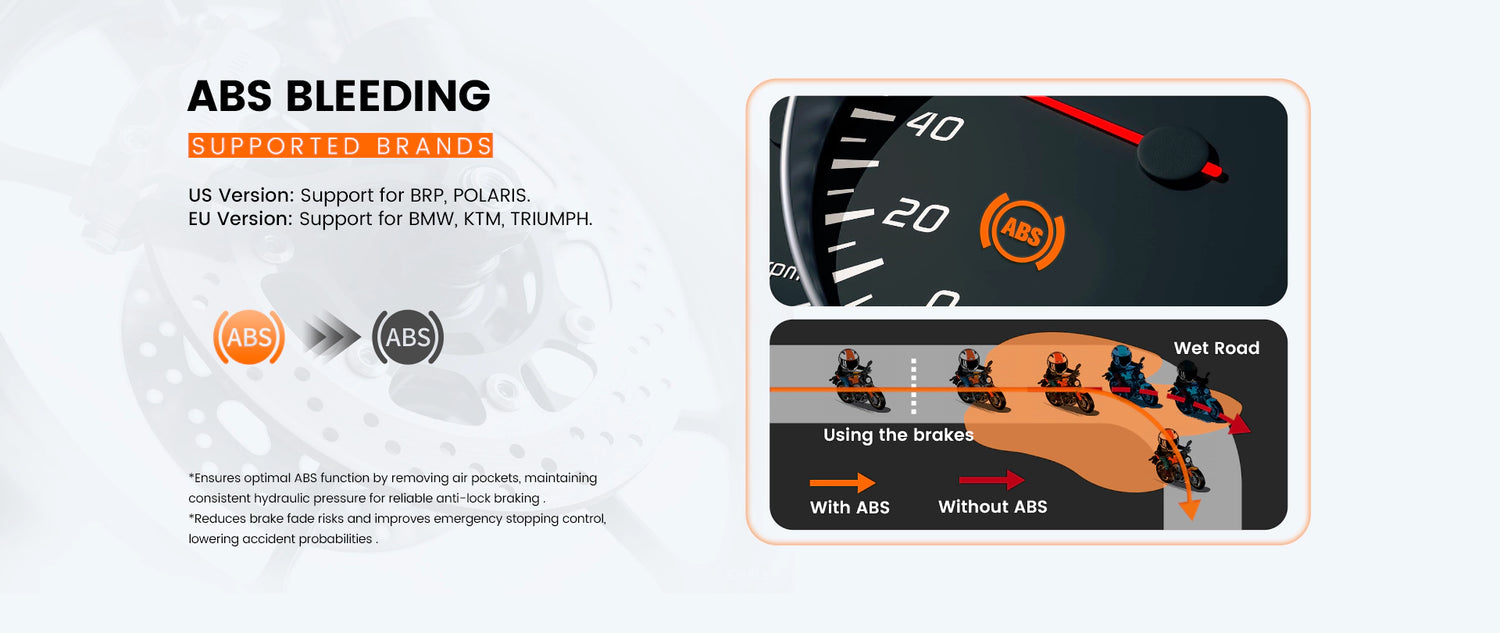
• ABS Bleeding: Helps bleed the ABS braking system on supported motorcycles;
• ECU Reset: Performs ECU-related reset procedures on supported models;
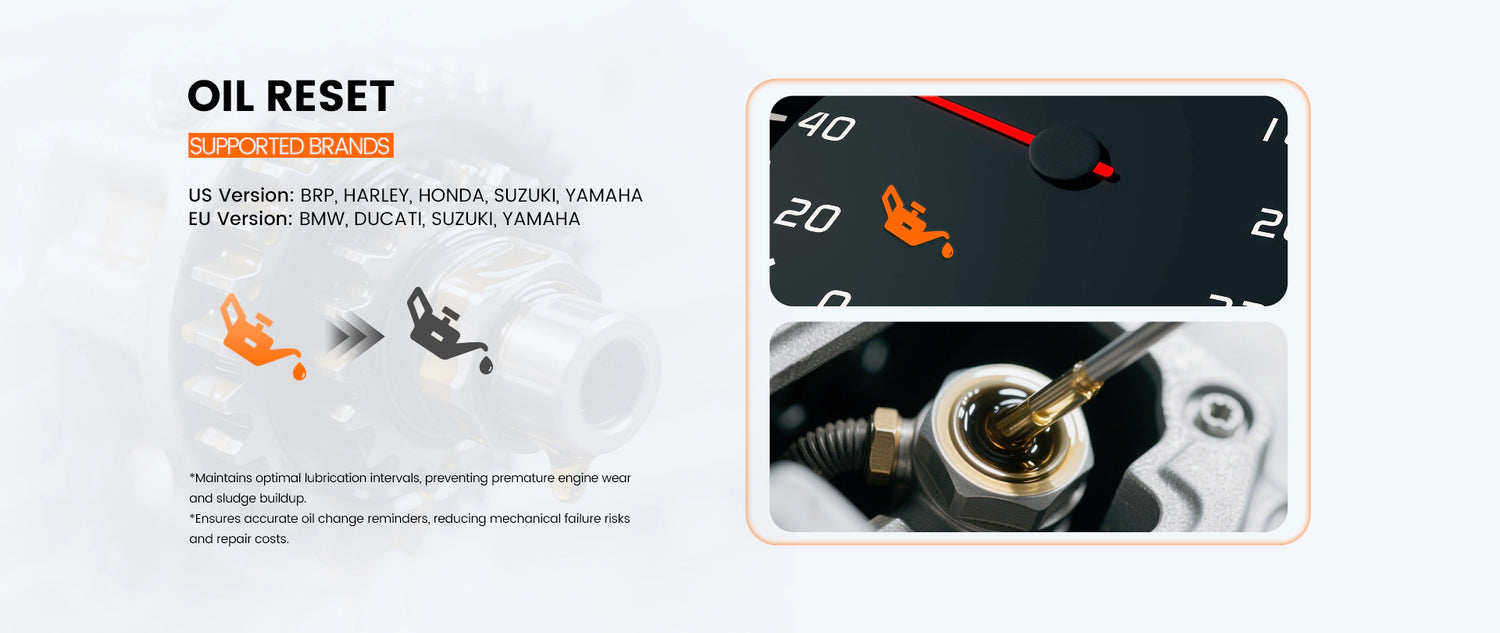
• OIL Reset: Resets the oil service reminder after maintenance;
• TPS Reset: Performs throttle position sensor reset procedures on supported motorcycles.
In addition, the MT500 supports:
• Auto VIN identification
• Full-system fault scanning
• WiFi one-click updates
• Data recording and playback
• TeamViewer remote technical support
Note: Available special functions vary by motorcycle brand, model, and year. Please refer to the actual vehicle coverage database for supported functions.
Q4: Can the MT500 help reduce motorcycle repair costs?
If you regularly perform motorcycle maintenance and troubleshooting, the MT500 can help reduce unnecessary diagnostic expenses and improve maintenance efficiency.
The MT500 helps motorcycle owners:
• Read and clear fault codes by themselves;
• View live vehicle data;
• Perform common maintenance resets, such as OIL Reset and TPS Reset;
• Understand vehicle conditions before visiting a repair shop and avoid unnecessary diagnostic visits.
For riders who enjoy DIY maintenance or want to better understand their motorcycle’s condition, a one-time investment in the MT500 can help reduce repeated diagnostic costs over time.
If you own multiple motorcycles within the MT500 supported vehicle range, the tool can provide additional value for daily maintenance and troubleshooting.
Please note that supported brands and vehicle coverage vary by MT500 version. For example:
• The MT500 EU Version supports selected BMW models;
• The MT500 US Version supports selected Harley-Davidson and Polaris models.
If you need one diagnostic tool to cover multiple motorcycle brands (for example, BMW, Harley-Davidson, and Polaris vehicles at the same time), we recommend considering the ANCEL MT700, which offers broader vehicle coverage, or confirming compatibility before purchase.
Q5: Is my motorcycle compatible with the MT500?
The MT500 supports many popular motorcycle brands. Compatibility depends on your motorcycle’s brand, model, and year, not only the brand name.
The MT500 supports major brands including BMW, Harley-Davidson, Honda, Yamaha, Suzuki, Kawasaki, and more, covering hundreds of supported models.
However, ECU configurations can vary between different brands, models, and production years. As a result, supported diagnostic systems and special functions may differ.
If you only need to read/clear fault codes and view live data, most supported motorcycles can meet these needs.
If you need advanced functions such as ABS Bleeding, maintenance resets, or throttle relearn, we recommend confirming your exact motorcycle model and year before purchase.
Note: Different model years or configurations under the same brand may support different diagnostic functions.
Q6: Are MT500 updates free forever? Are there any additional fees?
The MT500 includes 1 year of free software updates.
After the free update period:
• Optional paid updates: If you choose to continue updating the software, the update fee is $80/year.
• No update lock: The device will continue to work normally even without additional updates. Existing diagnostic and reset functions will remain available.
• Update benefits: Software updates are mainly used to add support for more motorcycle models, improve system performance, and optimize compatibility with new vehicle systems.
Note: Software updates can expand vehicle coverage, but newly added functions still depend on whether the motorcycle’s ECU supports those functions.
Q7: Does updating the MT500 require an internet connection? Does it support Mac computers?
The MT500 supports WiFi one-click online updates, allowing you to update the software directly through the device without complicated procedures.
Simply connect the MT500 to a stable WiFi network and follow the on-screen instructions to complete the update.
If you encounter update issues, you can use TeamViewer to connect with ANCEL technical engineers for remote assistance.
If you have more questions about the MT500 features, compatibility, or usage, please visit our MT500 FAQ for more detailed information.